Cybercriminals have access to billions of stolen credentials these days, so relying on just passwords feels almost reckless. Multi-factor authentication (MFA) throws up extra hurdles by demanding two or more types of proof before letting anyone in, which slashes the chance of unauthorized access—even if someone’s password is floating around the dark web. For both companies and everyday folks, MFA stands as a solid wall against identity theft, data breaches, and those gut-wrenching moments of financial loss.
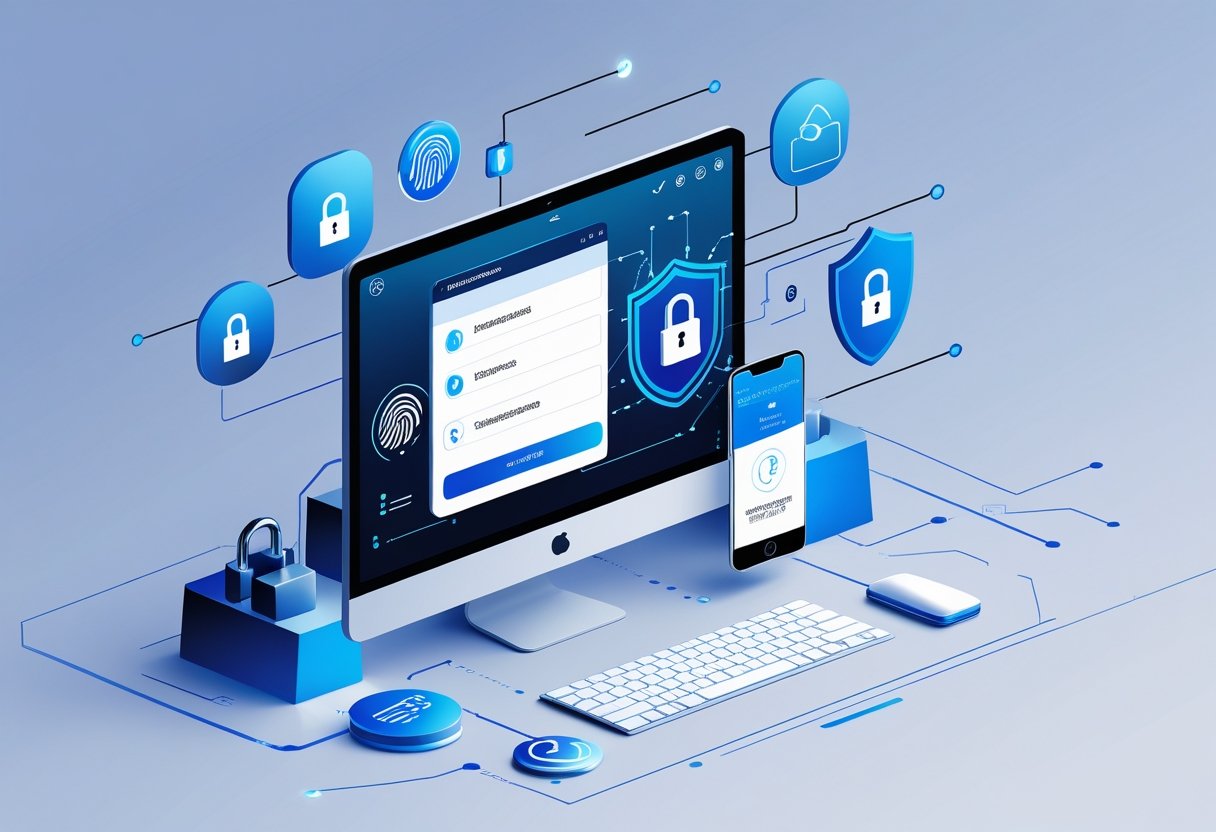
Digital defenses really have to keep up with ever-evolving cyber threats. MFA works by combining something you know (like a password), something you have (a device or security key), and something you are (think biometrics—fingerprints, face scans, that sort of thing).
This layered setup makes life much harder for attackers. They’d have to break through several types of security, not just guess a password.
Rolling out two-step verification on your accounts—personal or business—is honestly one of the best moves you can make for cybersecurity. These days, you can choose from mobile app pop-ups, biometric scans, hardware keys, or passkeys. It’s not just about safety; it often makes logging in smoother, too.
Key Takeaways
- Multi-factor authentication means you need more than one way to prove who you are, making it way tougher for anyone to break in with just a password.
- Modern MFA includes biometrics, mobile app approvals, and hardware keys—so you get strong security without a hassle.
- Turning on MFA for all your accounts slashes the risks of stolen credentials, phishing, and data leaks, plus it helps meet compliance rules.
Understanding Multi-Factor Authentication
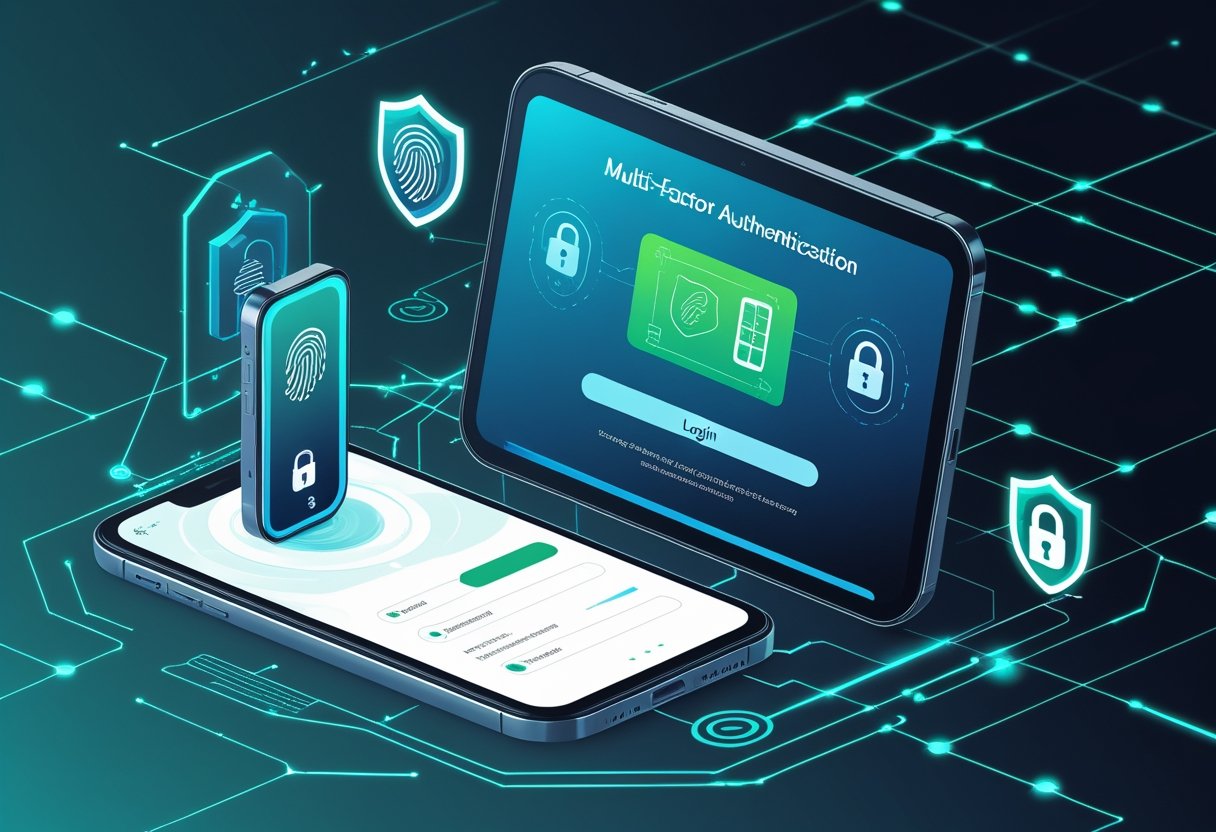
Multi-factor authentication asks users to prove their identity in more than one way before letting them into accounts or systems. It’s all about stacking different credentials to make it much harder for someone to sneak in.
What Is Multi-Factor Authentication?
Multi-factor authentication (MFA) is a security process that wants at least two types of proof before you can get into an account, system, or app. Instead of just typing in a password and hoping for the best, MFA adds extra steps to confirm you are who you say you are.
The system mixes credentials from different categories. If you fail even one of the steps, you’re locked out—doesn’t matter if you got the rest right.
MFA is a major upgrade in account security. Even if someone gets your password, they’re stuck unless they can also pass the other checks.
Explaining Authentication Factors
Authentication factors come in three main flavors. Knowledge factors are things you know, like a password, PIN, or maybe the answer to a security question. These are everywhere, but honestly, they’re not that secure on their own.
Possession factors are things you physically own. That could be a hardware token, a security key, or your smartphone. You might get a code sent to your device or a push notification to approve.
Inherence factors are all about what makes you, you. Biometrics—like fingerprints, face scans, iris patterns, or even your voice—fall into this group. These are tough for anyone else to fake.
Some systems add location or time-based restrictions, but those three are the big ones for MFA.
Types of Multi-Factor Authentication
SMS-based authentication sends you a code by text. You type that in after your password.
Authenticator apps (like Google Authenticator or Authy) spit out codes on your phone that change every half minute or so. No cell service needed.
Push notifications pop up on your registered device. Just tap to approve or reject the login.
Biometric authentication uses your fingerprint, face, or even your voice. No codes to remember, just a quick scan.
Hardware tokens are little gadgets that generate codes or plug into your device via USB. Security keys using FIDO2, for example, are especially good at stopping phishing.
Comparison With Single-Factor Authentication
Single-factor authentication is just a fancy way of saying “password only.” You type it in, you’re in—if you guessed right. It’s simple, but honestly, it’s not enough.
Passwords alone leave you wide open to phishing, keylogging, data breaches, and brute force attacks. Once someone’s got your password, it’s game over. In fact, organizations using MFA are 99% less likely to get their accounts compromised compared to those sticking with just passwords.
MFA forces attackers to beat multiple, unrelated defenses. It’s a pain for them and a relief for everyone else.
Key Benefits of Multi-Factor Authentication
Multi-factor authentication actually delivers when it comes to security. By making people jump through more than one hoop, it protects accounts from the most common attacks and keeps your digital life a whole lot safer.
Preventing Unauthorized Access
Even if your password’s leaked, MFA can still keep the bad guys out. Phishing, brute force, or data breach? Without that second factor, attackers are stuck.
You need something you know (password), something you have (maybe your phone or a hardware token), or something you are (biometrics). Put together, these make it seriously tough for cybercriminals to hijack your accounts.
Research shows that MFA can block 99.9% of automated account hacks. If someone tries to log in from a weird device or location, the system will ask for extra proof—something only the real user can provide.
Common authentication factors include:
- Time-based one-time passwords (TOTP)
- SMS or email codes
- Push notifications
- Biometric scans (fingerprint, face)
- Hardware security keys
Reducing the Risk of Identity Theft
Verifying identity with multiple factors makes it much harder for criminals to pretend to be you. Stolen credentials aren’t enough—they’d need your phone or your face, too.
MFA is especially good at stopping credential stuffing, where hackers use leaked username-password combos from one site to break into others. That extra authentication step puts a hard stop to those attacks.
Banks and other financial outfits have seen fraud drop after rolling out MFA. It’s a big reason why account takeovers and unauthorized transactions have gone down.
If you get an unexpected MFA prompt, it’s a warning sign. You can reject it and change your password right away, keeping control of your digital identity.
Safeguarding Sensitive Data
MFA isn’t just about logins—it’s a shield for your sensitive info. Even during network breaches or password leaks, your data stays locked up.
MFA protects multiple data types:
| Data Category | Protection Method |
|---|---|
| Financial records | Biometric verification plus PIN |
| Health information | Hardware tokens for provider access |
| Business documents | Contextual authentication (location-based) |
| Personal communications | Push notifications to trusted devices |
Lots of industries (healthcare, finance, government) are required by law to use extra security for sensitive data. MFA helps meet standards like HIPAA, PCI DSS, and GDPR, so you’re not just safer—you’re compliant.
Remote work is a whole other challenge, but MFA makes sure only the right people get into company systems, no matter where they’re logging in from.
Building User Trust
When companies go the extra mile on security, it shows. People are more willing to share info and stick around when they know their data’s protected.
That trust can turn into real business results—fewer account hacks, happier customers, and a stronger reputation.
Being upfront about MFA options helps, too. When users understand how and why these protections work, they’re more likely to use them.
Yeah, MFA means an extra step now and then, but most users agree it’s worth it for the peace of mind. Knowing your stuff is safe? That’s hard to beat.
Cyber Threats Addressed by MFA
Multi-factor authentication puts up roadblocks against the most common attacks that prey on weak or stolen passwords. By demanding more than just credentials, MFA shuts down a lot of the usual tricks hackers rely on.
Combating Phishing Attacks
Phishing is all about tricking people into giving up their login details through fake emails or websites. Even if someone falls for it and hands over their password, MFA can still save the day by asking for a second factor the attacker doesn’t have.
Whether it’s a code from an app, a fingerprint scan, or a hardware key, that extra step keeps stolen credentials from being enough. Organizations that use MFA across the board see phishing attacks lose their punch—those harvested passwords just don’t cut it anymore.
Security tokens and authenticator apps are even stronger than SMS codes, especially against advanced phishing. The codes they generate are tough to intercept or fake, and they expire fast.
Defending Against Credential Stuffing
Credential stuffing is when hackers use bots to try thousands of stolen username-password pairs on different sites, hoping for a match. It works because people reuse passwords way too often.
With MFA, even if the bot gets the password right, it can’t get past the second check. Attackers can’t automate their way through verification codes or biometrics for thousands of accounts at once.
Companies using MFA see credential stuffing attempts drop by more than 98%. That’s true even if your password shows up in a breach somewhere else.
Thwarting Brute Force Attacks
Brute force attacks are just what they sound like—guessing passwords over and over until one works. Software can try millions of combos in minutes.
MFA makes brute force basically useless. Even if someone guesses the password, they still need a code or biometric confirmation that changes every time. You can’t guess your way through that.
Plus, those codes expire quickly, so even a lucky guess doesn’t get an attacker very far.
Mitigating Ransomware and Social Engineering
Ransomware attacks often start with someone getting tricked into giving up their login info. Social engineering relies on manipulating people, not just hacking systems.
Here’s where MFA shines: even if you slip up and give away your password, attackers still need your phone or your fingerprint. That’s a hurdle most can’t clear from afar.
Man-in-the-middle attacks—where hackers intercept your login info—get tripped up by MFA, too. App-based and biometric checks can’t be replayed or stolen easily. Organizations using MFA see their compromise rates plummet, putting up a major roadblock to a whole range of cyber threats.
Practical MFA Implementation Strategies
Organizations need a plan to roll out multi-factor authentication across all their digital spaces. It’s about covering every account, picking the right methods, getting users ready, and making sure there’s a way to recover access if someone gets locked out.
Deploying MFA Across All Accounts
Organizations should kick off MFA deployment by figuring out which systems are most critical. Admin accounts, email, and financial platforms? Those need protection immediately—they’re basically the keys to the kingdom.
A phased rollout helps avoid chaos for both users and IT support. Security teams are wise to start with high-risk accounts like execs and admins, then move out to everyone else.
This smaller-scale approach lets teams spot and iron out issues before things get big and messy.
Cloud services—think email, file storage, collaboration tools—usually support standard authentication methods. But those old legacy apps? They might need extra integration work or some sort of gateway to get MFA up and running.
Priority implementation areas include:
- Email and communication platforms
- Financial and banking systems
- Administrative and privileged accounts
- Cloud storage and file sharing services
- Customer relationship management systems
- Human resources and payroll platforms
It’s important to document which systems have MFA enabled and keep tabs on adoption rates across departments. Regular audits help make sure nothing important slips through the cracks.
Selecting Effective Authentication Methods
Authenticator apps are just stronger than SMS codes—their local, time-based codes are tough to intercept. Google Authenticator and Microsoft Authenticator? Still go-to choices, and they work offline.
Push notifications sent to a mobile app strike a nice balance between security and convenience. Users get a prompt on their phone and just tap to approve or deny—no codes to type.
Biometric authentication, like fingerprints or facial recognition, adds another layer of security while keeping things quick. These are especially handy for mobile devices and newer laptops with the right sensors.
Authentication method comparison:
| Method | Security Level | User Convenience | Cost |
|---|---|---|---|
| Authenticator app | High | High | Free |
| Push notifications | High | Very High | Low |
| Biometric | Very High | Very High | Medium |
| SMS codes | Medium | High | Low |
| Hardware tokens | Very High | Medium | High |
Relying only on SMS codes for critical systems? Not a great idea. SIM swapping and message interception make SMS the weakest link in the MFA chain.
User Education and Adoption
Clear, honest communication helps users get why MFA matters. Training should cover how MFA protects both company and personal data from unauthorized snooping.
Hands-on enrollment sessions work best—let users set up their authenticator app with someone there to help. Step-by-step guides with screenshots are a lifesaver for those who get lost in the process.
IT teams should tackle common worries up front. People stress about losing devices, traveling without phone access, or just the extra hassle. Documentation should actually address these scenarios with real solutions.
Effective training elements include:
- Video tutorials showing enrollment and daily use
- Written guides for every supported authentication method
- Live Q&A sessions to hash out user concerns
- Help desk training on the most common troubleshooting issues
Support teams need to be ready before the big rollout. They have to know how to handle enrollment hiccups, lost device situations, and those inevitable authentication failures.
Backup Codes and Recovery Options
Backup codes are a lifeline when the usual authentication methods fail. Organizations should make users generate and store these codes securely right at the start.
Users should stash backup codes in password managers or a safe physical spot. Each code is good for one use, so having 8–10 per person covers most emergencies.
Alternative verification methods help avoid total lockouts. Secondary emails, trusted phone numbers, or even security questions can step in when the main factor is out of reach.
The recovery process needs to be documented and secure. Help desk teams must follow strict identity verification procedures to stop social engineering while still helping people get back in.
Recovery options to implement:
- One-time backup codes users keep safe
- Secondary authentication methods registered during enrollment
- Secure identity verification for help desk teams
- Temporary access codes from admins
- Hardware token alternatives for high-security setups
Testing recovery procedures regularly is worth the effort. Mock scenarios can reveal gaps in documentation or support team knowledge before a real emergency hits.
Modern Authentication Methods and Tools
Authentication tech has come a long way. Now we’ve got biometric systems that scan your physical features, hardware devices that generate secure codes, mobile apps that ditch old-school passwords, and software that manages credentials across all your platforms.
Each method tries to hit that sweet spot between convenience and protection against unauthorized access.
Biometric Authentication Options
Biometric authentication uses your own physical traits to confirm identity. Fingerprint scans are probably the most common—they read those unique ridge patterns and are everywhere on phones and laptops.
Facial recognition uses cameras and depth sensors to map your face, then matches it to a saved template during login.
Retina scans go even deeper, analyzing blood vessel patterns in your eye. Super accurate, but you need special hardware for that.
Biometrics are popular because you can’t really steal or copy someone’s fingerprint or face the way you can with a password.
Modern systems often combine factors—a device might ask for facial recognition and a PIN for sensitive stuff. The tech is getting better at handling weird lighting, aging, or small physical changes, so security stays tight.
Hardware and Security Tokens
Hardware tokens are physical gadgets that crank out time-based codes or cryptographic keys. Stuff like YubiKey plugs into USB or taps via NFC—no SMS or email codes needed.
The secret keys stay locked inside the device, so they’re tough to phish or hack remotely. Usually, you just plug in the token and press a button, and it handles authentication through secure, encrypted channels.
Organizations like these for high-security environments because they dodge the risks of intercepted texts or hacked emails. Tokens work offline and across different services, but you do have to keep track of the device itself.
App-Based Authentication Solutions
Authenticator apps make time-sensitive codes right on your phone, ditching SMS for something more secure. Google Authenticator, Microsoft Authenticator, and similar apps spit out six-digit codes that refresh every 30 seconds.
These apps don’t need cell service or internet once set up. You scan a QR code to link your account, and the app generates codes whenever you need them.
Push notifications are a step up—just approve or deny a login attempt right in the app, no code entry required.
App-based MFA is much less vulnerable to SIM swapping attacks. Plus, you can keep multiple accounts in one app, making management a little less painful.
Password Managers for Enhanced Security
Password managers keep your login info safe and encrypted, and they can even generate crazy-strong passwords you don’t have to remember. Autofill features help dodge keyloggers and phishing sites that try to steal what you type.
A good password manager gives each account its own unique password, so if one gets hacked, the rest are still safe. You just have to remember one master password to unlock the vault.
Many managers now offer security checks for weak or reused passwords, and they sync across devices. Some even add biometric unlock for extra convenience.
For teams, enterprise password managers let you share credentials securely and keep a log of who accessed what. Handy, right?
Compliance, Risks, and Future Trends in MFA
The pressure’s on for organizations to meet regulatory standards while keeping up with new security threats. Compliance frameworks, leftover risks, and tech shifts are all reshaping how we think about authentication.
Meeting Compliance and Regulatory Requirements
Regulations demand specific authentication controls to protect sensitive info. HIPAA says healthcare orgs need MFA for accessing electronic health data. PCI DSS wants two-factor authentication for anyone with admin access to cardholder data. GDPR? MFA is part of “appropriate” security for personal data.
Organizations have to document their authentication policies and keep audit trails to prove they’re following the rules. Financial institutions get hit with extra requirements, especially for high-value transactions.
If you skip out on proper MFA, you’re risking big fines and a hit to your reputation.
Compliance isn’t just a one-and-done thing. Regular checks are needed to make sure MFA still meets changing standards and covers every access point to sensitive data.
Managing Residual Security Risks
MFA is a big step up for security, but it’s not bulletproof. Attackers might use “MFA fatigue,” bombarding users with prompts until someone finally clicks “approve.” Social engineering can trick people into sharing codes or approving fake requests.
Organizations need to fill these gaps with both training and technical controls.
- Session management: Limit how long a session stays open after login
- Conditional access policies: Block logins from sketchy locations
- Rate limiting: Stop repeated authentication attempts
- User education: Teach people how to spot phishing and social engineering
Push notification systems should give users enough context—time, location, app—so they know whether an authentication request is legit.
Preparing for Emerging Threats and Quantum Computing
Quantum computing could eventually break today’s encryption, including what protects MFA. NIST has put out post-quantum FIPS encryption standards (FIPS 203, 204, 205) to get ahead of this. For now, 2048-bit keys are considered safe through at least 2030.
It wouldn’t hurt to start thinking about quantum-resistant authentication strategies already.
AI-driven adaptive authentication is on the rise—defenders and attackers are both using machine learning. Context-aware systems look at device type, location, IP, time, and user behavior to spot anything weird in real time.
Decentralized identity based on blockchain might help cut down on breaches, since there’s no central database to hack. These systems use cryptographic keys instead of passwords, making phishing a lot harder—at least, when they’re set up right.
Integrating MFA Into Your Security Framework
Rolling out MFA isn’t just about flipping a switch—it needs to fit into your broader security game plan. It’s smart to set up MFA for VPNs, cloud platforms, admin accounts, and anywhere else sensitive data might be lurking.
Single sign-on can help cut down on login headaches, but you still want to keep your guard up with solid security controls.
A comprehensive security framework includes:
| Component | Function |
|---|---|
| Identity management | Centralized user provisioning and access control |
| Risk-based policies | Dynamic authentication requirements based on threat level |
| Monitoring systems | Real-time alerts for suspicious authentication patterns |
| Backup methods | Alternative authentication when primary factors fail |
Don’t forget about the authentication credentials themselves—they’re a target too. Encrypting stored authentication data is a must, and secure channels for factor delivery can’t be overlooked.
Regular security assessments help spot weak points in MFA coverage and make sure your policies actually keep up with the latest threats.